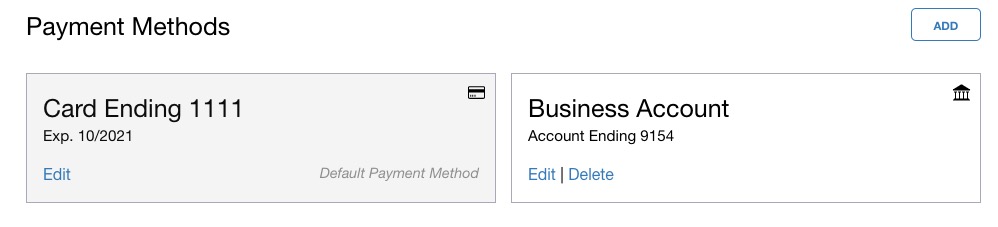
Payment Methods
- Select the User Menu icon in the top right corner.
- Select Subscription & Billing.
- Select Payment Methods on the left side.
- Add or edit a payment option.
Note: We accept all major credit card types. ACH is available upon request for select subscriptions.
Rejected Payments
If a payment method fails, we will send an email to the primary user. We allow three days for the payment information to be updated before the subscription is suspended. See our Subscription article for more information.
Steps to Resolve a Rejected Payment
- A primary user will need to go to the subscription page.
- Verify primary payment method is correct on the Payment Methods tab.
- Click the Settle button on the Subscription tab.
- Full access will be restored.
Comments
0 comments
Please sign in to leave a comment.